Creating an example running instance
This is an example of loading some RDF files into SHMARQL and making some custom queries and views. First, let's find some publicly available usable RDF. Here is a good source, made by Angus Addlesee.
We fetch and unzip the raw RDF data with:
We can then load the RDF data into SHMARQL with:
If all goes well, you can open a web browser to the location http://localhost:8000 and see something that looks similar to this:
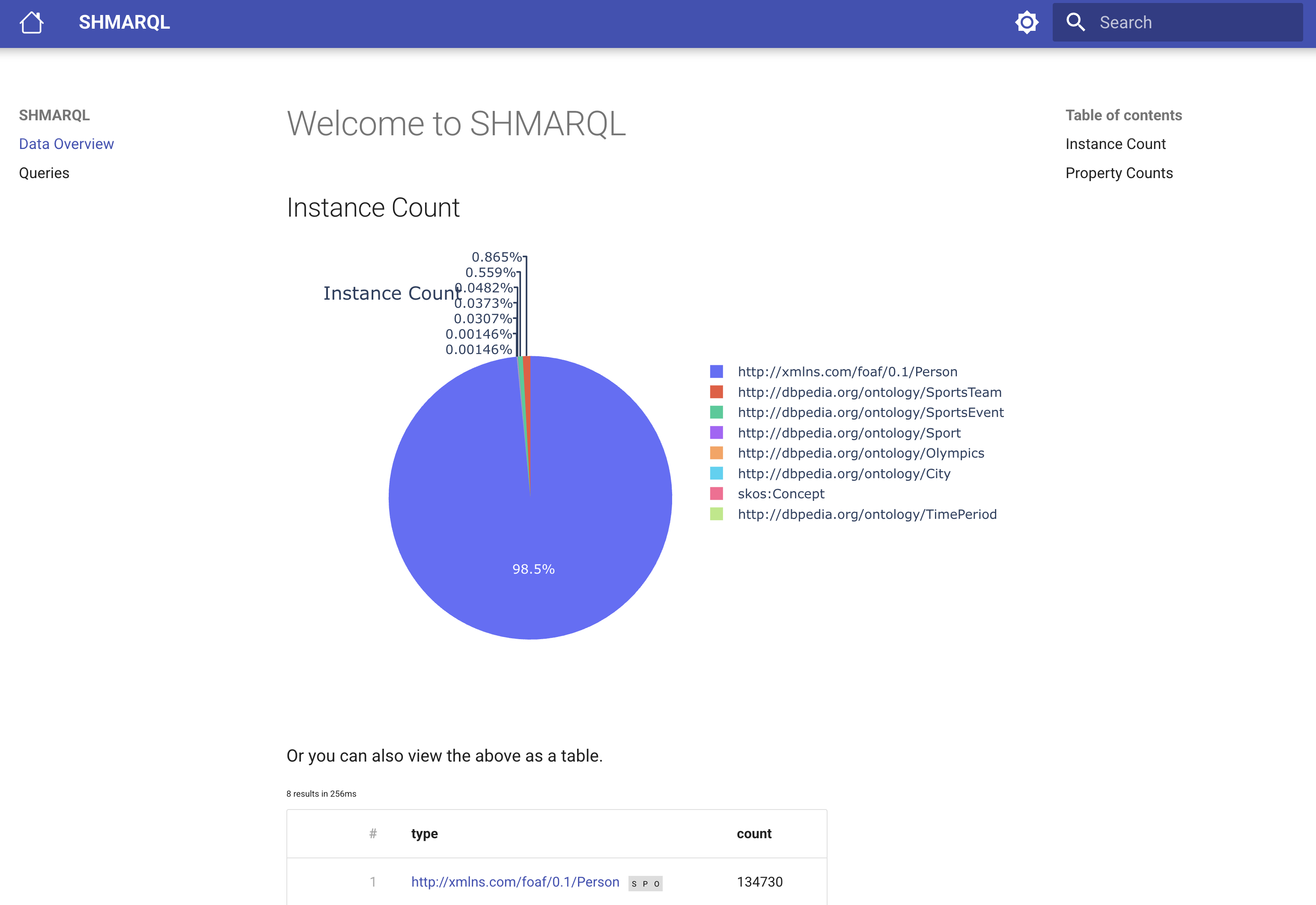
You can browse some data by clicking on one of the links in the table output further down the page. The little grey squares with the spo letters in them, allows you to use the displayed IRI either as a subject, predicate or object in a new query.
This shows some standard statistics for the currently loaded dataset, including some statistics on the classes and properties used in the data.
In this case the graph of instance counts is dominated by the foaf:Person class. What would it look like if we can do the same chart, but exclude the foaf:Person class? Let's make a custom chart for that!
Performaing queries, making a piechart
By clicking on the Queries link in the left side of the screen, a SPARQL editor is shown. Try copying this query in the editor and clicking on the button with a triangle, that looks like a "Play" button:
This should show a table with the 7 classes, but not foaf:Person.
Now let us plot that as a pie chart, by adding the line # shmarql-view: piechart to the top of the query, like this:
This worked becauase we happened to choose the SPARQL variables ?label and ?value, which SHMARQL recognizes as the default variable names for charts. If you want to use other variable names, you can specify them like this:
Other chart types, like maps
It is also possible to make other chart types, for example a map using some coordinates from Wikidata.